
A plant can test a new inspection model against yesterday's camera footage without letting it make a single decision on the floor. The harder question is what happens after installation: can the team tell which model is running, and can it return to the previous set of files if the update changes what the camera flags?
For AI inference in Pittsburgh, ask for a model change record and a witnessed rollback before accepting an automated inspection update. Keep the existing model responsible for the workflow while you compare the candidate in an approved environment. Decide which defects matter, who can halt the change, and what evidence will prove the previous system is working again.
Carnegie Mellon's National Robotics Engineering Center describes local facilities for robotics development and testing, including a factory site in Pittsburgh and separate industrial testing space. That makes the distinction between a development test and a production decision tangible. A good result at one site does not establish that a particular facility, camera, or robot will behave the same way elsewhere. This guide is about changing a model in an existing inspection workflow. For the earlier decision about where a workload should run, see Percepture's robotics inference placement guide and Pennsylvania inference guide.
What exactly are you changing?
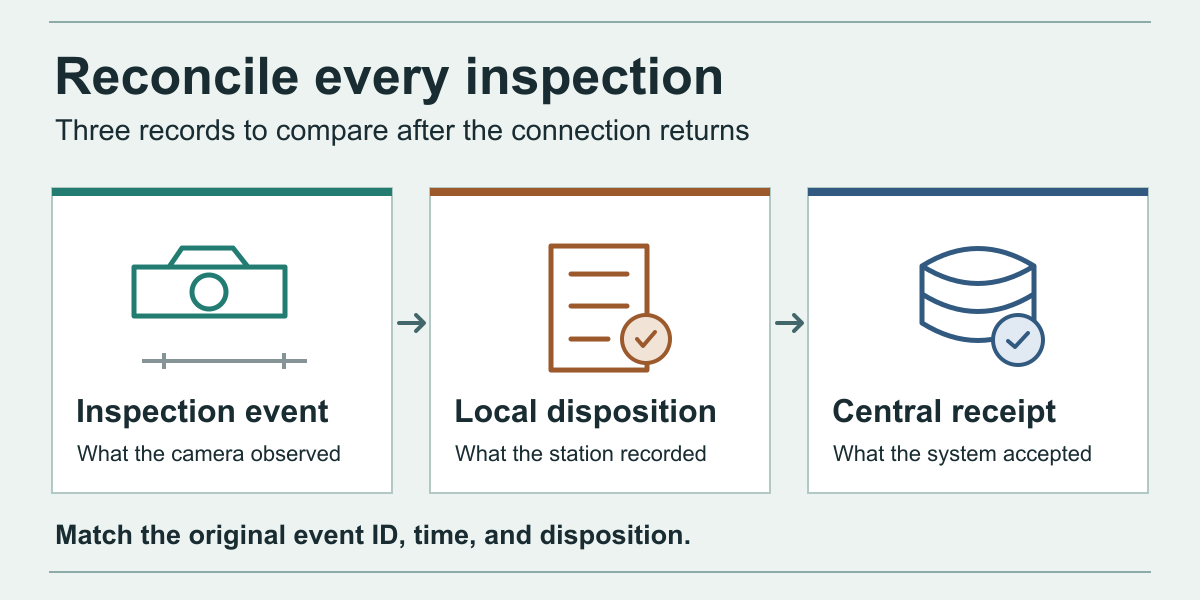
Put two versions on the same page: what is running now and what you plan to install. Capture the model version, the camera input settings, the software that prepares the image, the labels returned by the model, the thresholds in use, and the application that reads the result. Keep a copy of the previous compatible package in an approved location. If the candidate adds a label the existing inspection application cannot read, restoring only the model may not restore the workflow.
Do not use a label such as production as proof of the version a device loaded. MLflow's registry documentation illustrates why: an alias can be reassigned to a different registered version. That is useful for deployment, but it makes the resolved version and the running device's own record important. A registry setting is not proof that an offline device received an update.
Compare decisions, not just a single accuracy score
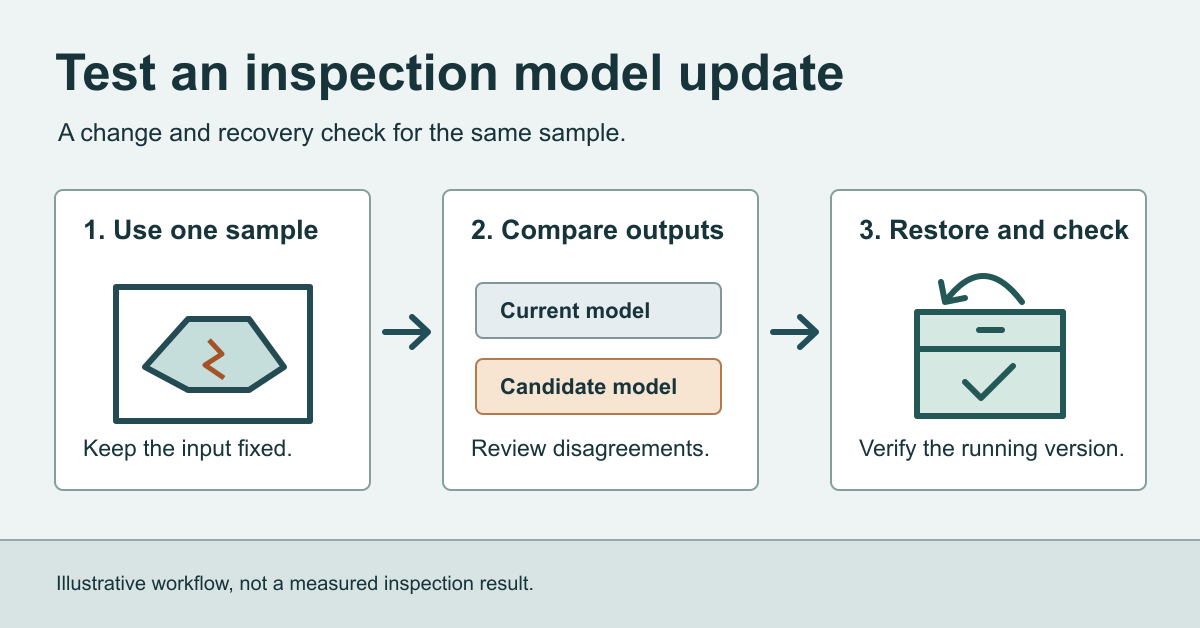
Start with an approved set of labeled inspection images. Include routine passes, defects the plant needs to catch, and cases that make the image difficult to interpret. For instance, two versions may flag the same number of images overall while disagreeing on a scratch under glare. Have the quality owner review those disagreements by defect type instead of asking which model has the higher headline score.
Keep the replay separate from physical control. If the system is later tested alongside a working line, have the site's responsible personnel define the permitted outputs and what happens when a result is late, missing or disputed. This is a model acceptance check, not a safety certification or permission to change machine controls.
Evidence for an inspection model update
| Evidence to request | What to compare | What should stop acceptance |
|---|---|---|
| Version record from the device | Approved model, runtime, image settings and label mapping | The owner cannot identify what the device actually loaded |
| Paired sample results | Old and candidate decisions on the same labeled images | The candidate misses an important defect and the quality owner has not resolved it |
| Timing at the application boundary | When a usable result reaches the inspection application under expected demand | Results arrive too late for the workflow, even though model execution looks fast |
| Rollback observation | The previous known-good package and agreed sample outputs after restoration | The old package starts, but the application cannot interpret or accept its results |
Make the rollback observable
Ask the supplier to show what reverting the release restores. Have the operator read the running version from the target and run the same small verification set used before the update. Check one sample that should pass, one that should be flagged and one the staff should review. Then have the responsible owner confirm that the inspection results reach the right destination and that previously recorded decisions remain attributable to the correct version.
Write down who can pause the change, where support gets the event record, and how the rest of the fleet is checked for mixed versions. NIST's AI Risk Management Framework Playbook treats monitoring, recovery and change management as part of ongoing operation. Useful evidence is not a successful restart alone. It is a running version you can identify, decisions the quality team recognizes, and a clear account of what remains under review.
Is an offline comparison enough to approve the change?
No. A replay answers how the two versions handle the chosen inputs. It cannot show what happens under normal device resource use, an unexpected camera setting, or a result that arrives late in the application. Ask the responsible team to set the conditions for a representative acceptance test. Keep the previous version available until the change owner has the agreed evidence.
What should a buyer ask a supplier to demonstrate?
Ask for the running version, a set of paired inspection decisions, and one observed return to the previous compatible package. Compare the written proposal with what the demonstration actually covers. If the proposal says an entire fleet can revert but the demonstration covered one device, keep that difference in the decision record.
If you market inference services or industrial technology, talk with Percepture about how to explain the difference between a feature, a witnessed test and a commitment a buyer can rely on.

About Bob Generale
Bob Generale is President of Percepture, a digital marketing and public relations agency.